Welcome to CyberSafe, my Yr.6 Project. Through this website, you will find out how to stay safe online.
Welcome to Your Tech Home
Welcome to Your Tech Home
How is Data kept safe while transfering through different networks?
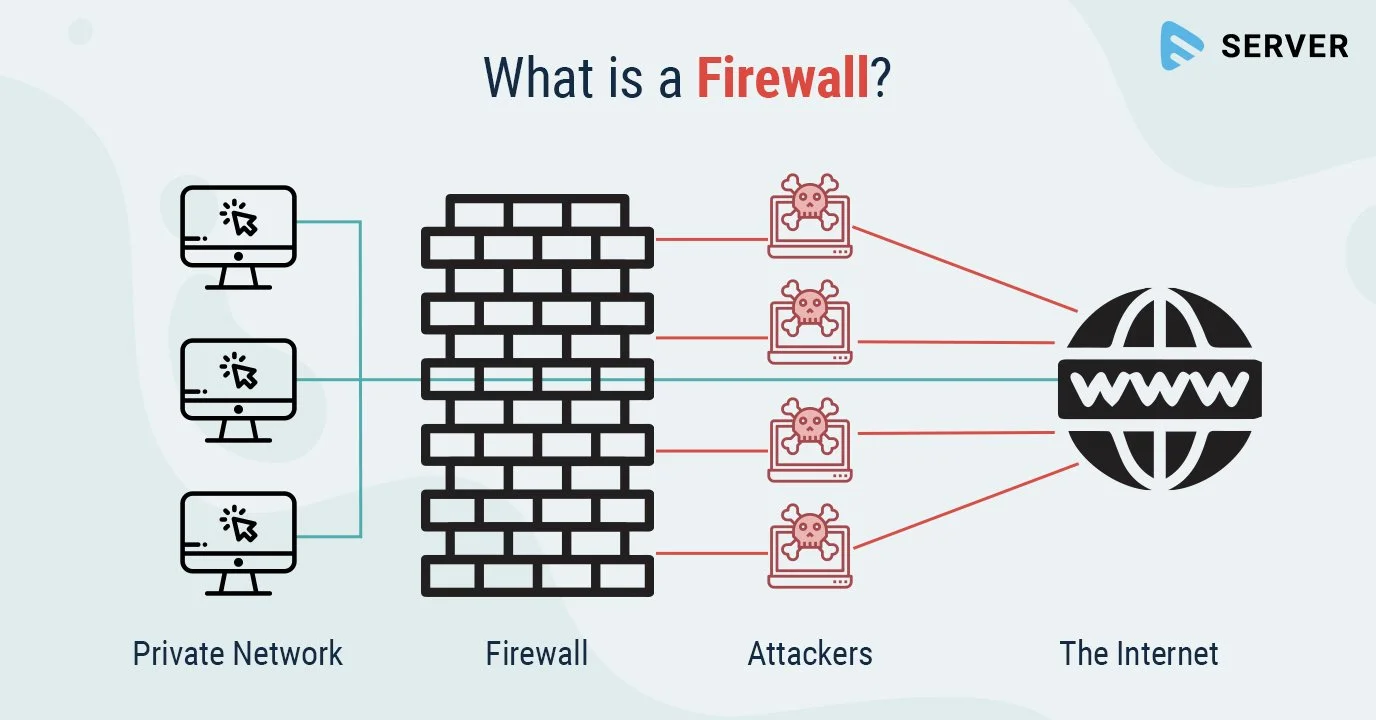
Data gets kept safe online while transfering through networks in many, many ways. Some of which are Firewalls, which are like a burning wall, that only filters in and out information based off of what it thinks should be let in. This makes a difference because the firewall can detect what the internet is, and what the hackers are.
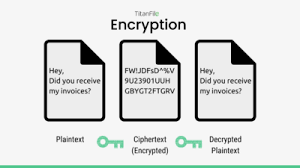
Another way data is kept safe is through data encryption. Data encryption is a simpler way of keeping data safe from hackers and scammers. It is done by taking the original text/code, making a public key, encrypting the text/code, then making the key private.
This link will take you to the cyber.gov.au website to learn more about firewalls.
What is code-breaking, and how is it done?
Code breaking is a job that has been used in the past, and is still done now, though is mainly done by computers. Its roots can be traced back all the way to ancient Egypt in 1900 BC with chipher being used for religous purposes. It has been used in many different historical events, most importantly, World War II. Here is a couple of things that were used in the war.
Enigma machine: The German Enigma machine was heavily used during the war. It was first broken by Polish mathematicians in the 1930s.
Bletchley Park: British codebreakers at Bletchley Park, with help from captured German codebooks, deciphered thousands of German messages, providing crucial intelligence like the location of German units before D-Day.
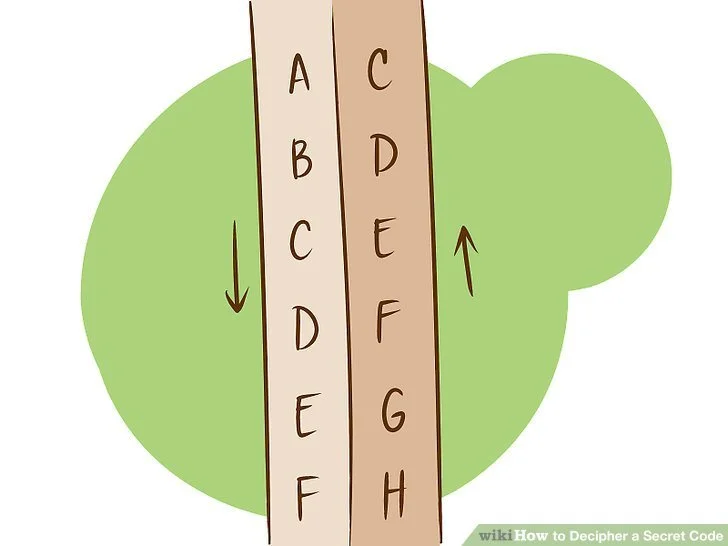
A code that is common to use is the Caesar Shift. This is done by shifting the letters in a sentence/ phrase up or down any amount of numbers, then revert back to it’s original state.
An exapmple can be used in the sentence:
Original: Hi! How are you?
Shifted down by 3 characters is:
___________
Try and figure it out! The answer will be at the end of this!
Learn more at the wikihow.com website by pressing on the ‘Learn more’ button.
What rules can we come up with to stay ‘cyber safe’ as a community?
We can come up with some very simple rules, as for some people, tech might not be their strong suit.
For scams:
Stay up to date on current threats that are circulating around.
You should never open up links that you weren’t planning to recieve.
For malware (similar to viruses)
Most computers are produced with McAfee, an anti-virus, though you still need to be careful of scam links and scam phone calls (especially phone calls since it does not protect calls, only links).
Make sure you anti-virus, or Microsoft Defender, another anti-virus, is up to date.
You should use secure, and unique passwords, NOT including your name or birthday.
Regulalry update your devices, as hackers who make malwares or try to acsess your accounts always find weaknesses in older devices.
For a Data Breach:
Avoid using the same passwords, or change only a couple words because if the hackers hack one account, and another account uses the same password or similar password, they will be able to see a pattern and hack all of your accounts.
This ‘Learn more’ button will take you to the cyber.gov.au/threats website. here, you can learn more about the different threats to your tech devices.